How It Works: Fast, Secure, Smart
From spending money to having it tracked — in under 5 seconds. No app switching needed.
Send a message in Telegram
Type your expense naturally — like texting a friend. Try: "Coffee 50k & lunch 120k yesterday" or "Grab 45k" — any language, any format.
"Coffee 50k & Grab 45k yesterday"
AI understands and categorizes
Our AI parses the amount, category, date, and currency — then applies your custom rules. No manual corrections. It learns your patterns over time.
Food: Coffee $2.50 · Transport: Grab $2.10
Review in your dashboard
Open the app anytime to see charts, budgets, and spending trends. All organized automatically — no spreadsheets, no manual categorization.
📊 Monthly overview · Budget status · Trends
Want to know how we keep your data secure?
How we keep your data secure through TelegramFAST — Capture expenses in the moment
Just spent money? Log it instantly via Telegram before you forget — no app switching needed.
"Just send a simple message in Telegram, like you're texting a friend:"
"Lunch 150K & Cafe 50K & Market 200K yesterday"

In under 5 seconds, our AI understands, categorizes, and saves everything automatically.
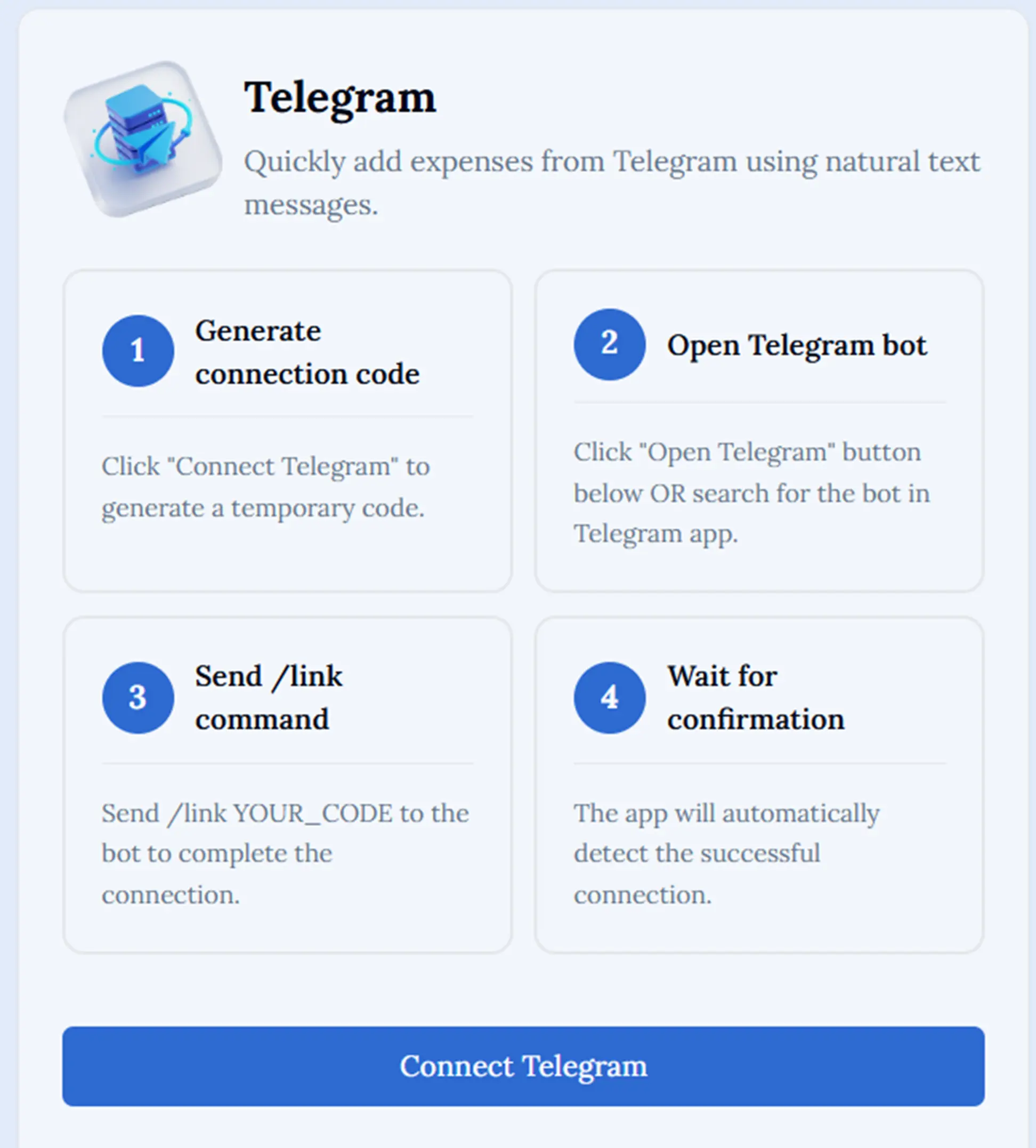
Connect Telegram
Securely link your Telegram bot to start logging expenses fast and smart in four simple steps.
Generate connection code
Click "Connect Telegram" to generate a temporary code.
Open Telegram bot
Click "Open Telegram" button below OR search for the bot in Telegram app.
Send /link command
Send /link YOUR_CODE to the bot to complete the connection.
Wait for confirmation
The app will automatically detect the successful connection.