
Say Goodbye to Passwords, Hello Passkeys
We are incredibly proud to announce that Simple Money Tracker (SMT) has officially launched Passkey login! You no longer need to remember or type out long, complex passwords every time you access the app.
With Passkeys, logging in takes is fast and secure. Simply use your fingerprint (TouchID), face (FaceID), device PIN, or Windows Hello. It's simple, intuitive, and provides the smoothest experience possible.
What are Passkeys and why are they safer than Password + OTP?
A Passkey is a next-generation authentication standard developed by major tech companies (like Apple, Google, and Microsoft). Instead of creating a string of characters you have to memorize, your device automatically generates a digital 'lock' and 'key'.
- Phishing-resistant: Hackers cannot trick you into entering your Passkey on a fake website, because Passkeys are mathematically bound to SMT's legitimate domain.
- No data breaches: The digital key is never sent over the internet. It stays safely locked inside your phone or computer's secure hardware chip.
- More convenient than OTP: You no longer need to open your phone, open an authenticator app, and copy a 6-digit code every time you log in.
How did SMT implement Passkeys?
As you may know, SMT uses a strict Zero-Knowledge Vault architecture. This means even the SMT development team cannot read your financial data.
To combine Passkeys with Zero-Knowledge, we utilized an advanced technology called WebAuthn PRF (Pseudo-Random Function). Simply put: When you scan your fingerprint, your device generates a special 'Secret Key'. This secret is used to securely wrap (encrypt) your entire Vault Data. Only this wrapped package is sent to the server.
This way, the server only holds a locked package. Whenever you scan your fingerprint again, your device unlocks that package directly on your screen. It is completely secure, and not a single character is leaked!
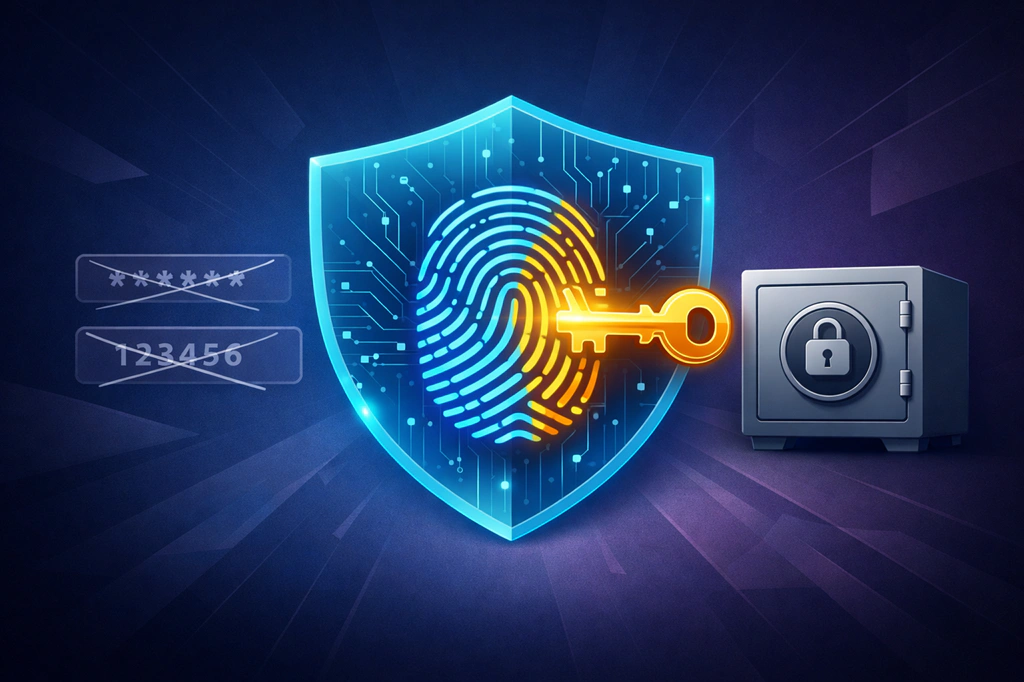
An Amazing Benefit: A Lifeline when you forget your Master Key
Beyond speed and convenience, Passkeys offer an invaluable benefit: Data Recovery! If you ever forget your Master Password, but have set up a Passkey on your device, you can still use your fingerprint to log in and access all your data.
Important Note
Although Passkeys help you access your data if you forget your Master Key, in the current version, you CANNOT reset your Master Key if you have forgotten the old one. Therefore, you MUST remember your Master Key or securely store your 12-word Recovery Code. A Passkey is a convenient login method, but it is not a replacement for properly safeguarding your Master Key!
Frequently Asked Questions (FAQ)
Q: If I change my Master Key, do I need to recreate my Passkeys?
A: No! Your Passkeys encrypt your underlying Data Encryption Key (DEK). When you change your Master Key, the DEK stays the same—only the Master Key lock changes. This means all your existing Passkeys will continue to work seamlessly.
Q: If I regenerate my 12-word Recovery Code, do I need to recreate my Passkeys?
A: No. Just like changing your Master Key, regenerating your Recovery Code does not alter your underlying DEK. Your Passkeys will remain perfectly valid and secure.
Q: What should I do if I get an error when trying to register a Passkey?
A: If you encounter an error, it is usually because a third-party password manager extension (like Bitwarden or 1Password) is intercepting the request and blocking the required PRF (Pseudo-Random Function) security feature. To fix this, try temporarily disabling your password manager extension during registration, or explicitly choose native options like Windows Hello, iCloud Keychain, or Google Password Manager.
Q: Why does registering a Passkey with iCloud (via iPhone QR code) fail on Windows 11 but work on Windows 10?
A: On Windows 11, the operating system intercepts WebAuthn calls and forces them through the native Windows Hello system dialog instead of letting the browser handle Bluetooth directly. This OS-level Bluetooth pairing mechanism can be highly sensitive and fail to communicate with iOS. To fix this on Windows 11, you can register using local Windows Hello (your PC's PIN/fingerprint) which is lightning-fast, or install the official iCloud for Windows app and the iCloud Passwords browser extension to sync with your Apple devices directly without needing to scan QR codes.
Experience it today!
Passkeys are now available for all Simple Money Tracker users. Head over to Profile > Security to set up a Passkey for your device right now!